Dashboard
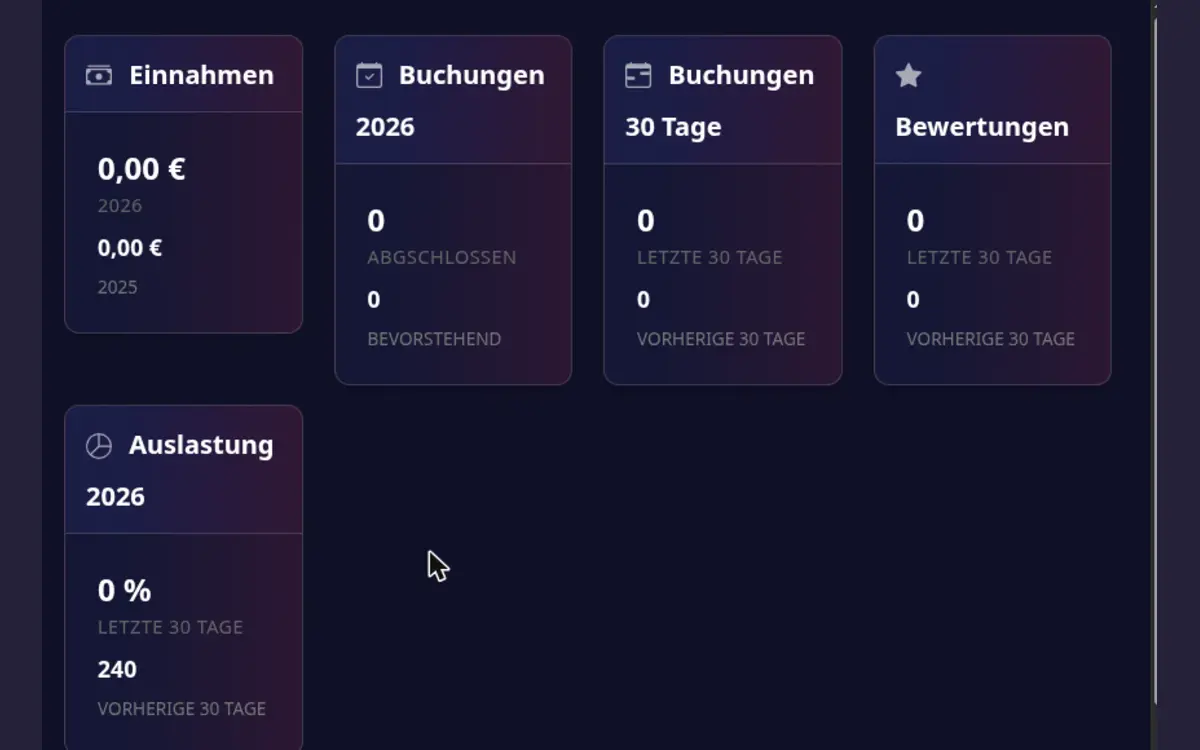
The dashboard gives you a quick view of important playroom and business indicators, such as occupancy, revenue, and booking trends.
Use the dashboard
- Open Host area > Business Dashboard.
- Read the cards:
- Earnings of your bookings.
- Bookings of the year: completed bookings and upcoming ones.
- Bookings last 30 days compared with the 30 days before.
- Ratings: your average rating and the number of ratings.
- Occupation of the year: occupied days so far.
- Guest Analytics: total guests, returning guest rate, average booking value, total revenue and your top guests by revenue.
- Compare trends with your availability and pricing changes.
- Open the booking or calendar area when a number needs investigation.
If the automatic collection of your My Playrooms invoice failed, a notice appears in the Next activities box in the host area, even when the Dashboard module is not booked. Open the link in it to check and update your payment method in the billing settings. A payment method you set up there replaces the failing one.
Dashboard values are summaries. Use the booking list, payment details, and calendar as the source of truth for individual transactions and dates.