Access management
Access management helps you control guest access to your playrooms with codes and permissions instead of arranging every handover personally.
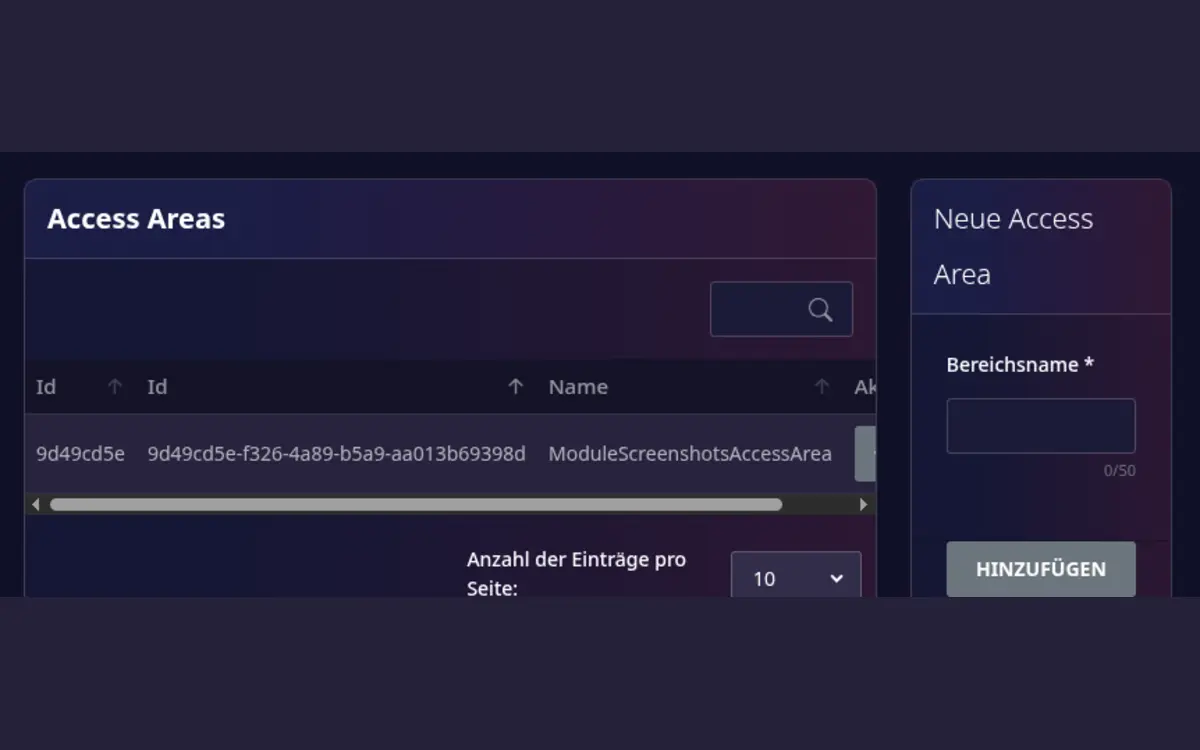
Set up
- Confirm that the access-management module is active.
- Open Host area > Access areas.
- Create an access area and give it a recognizable name, such as
Main entrance. - Open the access area and add one or more access codes.
- Test a code before allowing the first guest to use it.
Smart locks
If you use an Igloohome lock, manage it yourself in the playroom editor, in step Details under Smart lock:
- Select Add smart lock, enter a Name and choose the Type, Igloohome with bridge or Igloohome with offline PIN (AlgoPIN).
- Enter Device ID, Bridge ID (for the bridge type), Client ID and Client secret of your Igloohome account and select Save. The credentials are stored encrypted and are never shown again; afterwards the page only shows Credentials set.
- For a bridge lock, select Test connection to check that Igloohome accepts your API credentials. This does not verify that the Device ID and Bridge ID match the lock; check the pairing in your Igloohome account. The test does not create a guest code or touch any booking.
- Assign the lock to the playroom. Guests then receive their access code automatically.
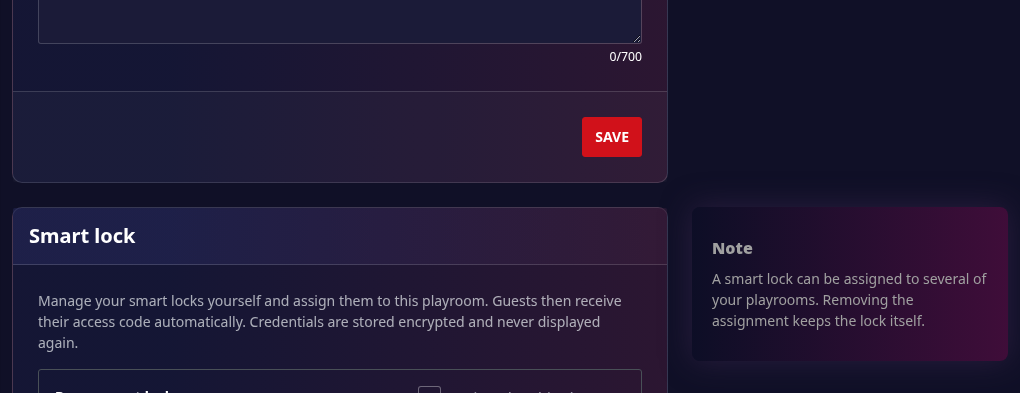
You can edit, delete or reassign your locks at any time, but only your own locks and playrooms. You do not need support for any of this.
Send a code to a guest
Access codes are not inserted into messages automatically. To send one manually:
- Open the relevant access area.
- Open the action menu for the code and select Copy for message.
- Open the chat with the guest and paste the copied text into the message.
- Check the recipient and booking before sending.
The copied text contains the access-area name and the code, for example:
Access code for Main entrance: 1234.
Before a booking
- Check that the access device is online.
- Verify the correct playroom and booking period.
- Give guests clear arrival and emergency instructions.
- Revoke access when a booking is cancelled or the device is replaced.
Access automation does not replace safe operating procedures. Keep a manual fallback for device outages and never publish a permanent access code publicly.